Tables, linked records and 29 field types, with ten kinds of view that each keep their own filters, sorts, groups and colours.
▦
Ten view types
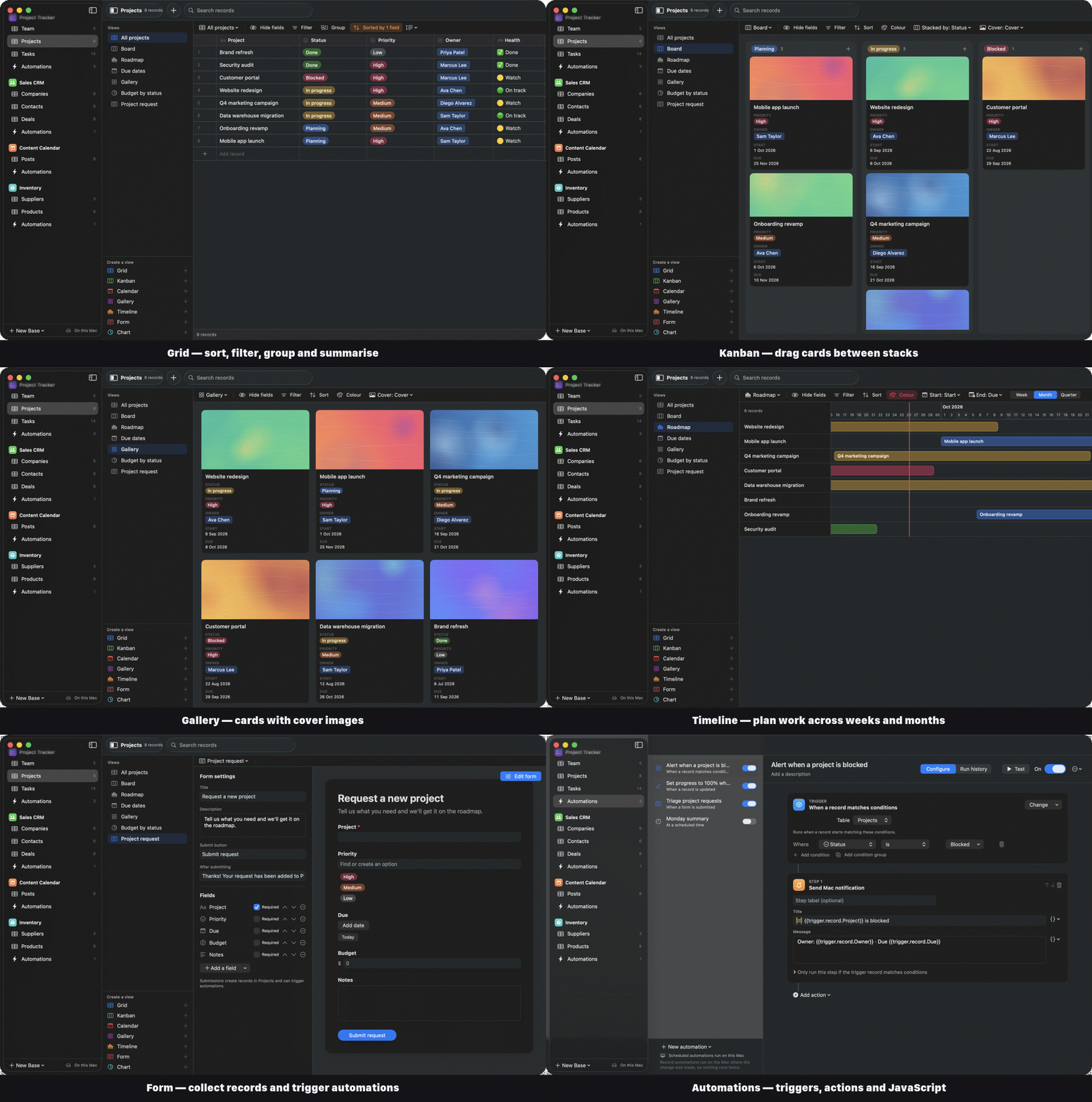
Grid, List, Kanban, Calendar, Gallery, Timeline, Gantt, Form, Chart and Dashboard. Drag cards between stacks, records between days and bars across the calendar.
ƒ
84 formula functions
Airtable-compatible formulas, plus lookups, rollups and counts through linked records, with live validation.
⚡
Automations
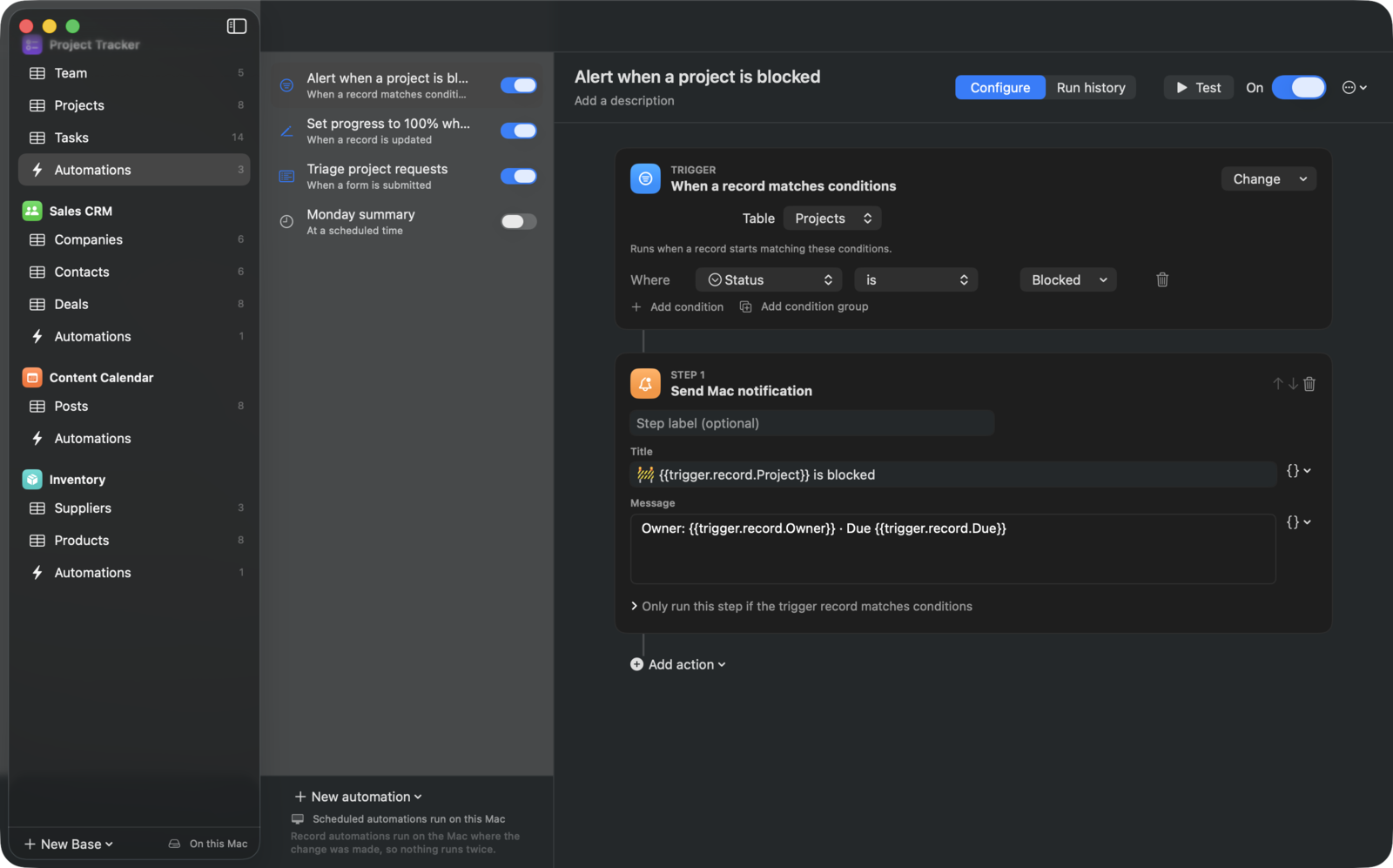
Record, view, form, button, webhook and scheduled triggers. Update records, send email, call APIs, run scripts and Shortcuts, generate text with AI, and repeat for each item.
⌘
A real Mac app
A fast, keyboard-driven grid with range selection, copy and paste to and from Numbers or Excel, undo, dark mode, and a menu bar item.
⇄
Import from Airtable
Bring a whole base across, including linked records, select options, formulas and attachments. CSV and Excel imports detect field types.
☁︎
Sync without a server
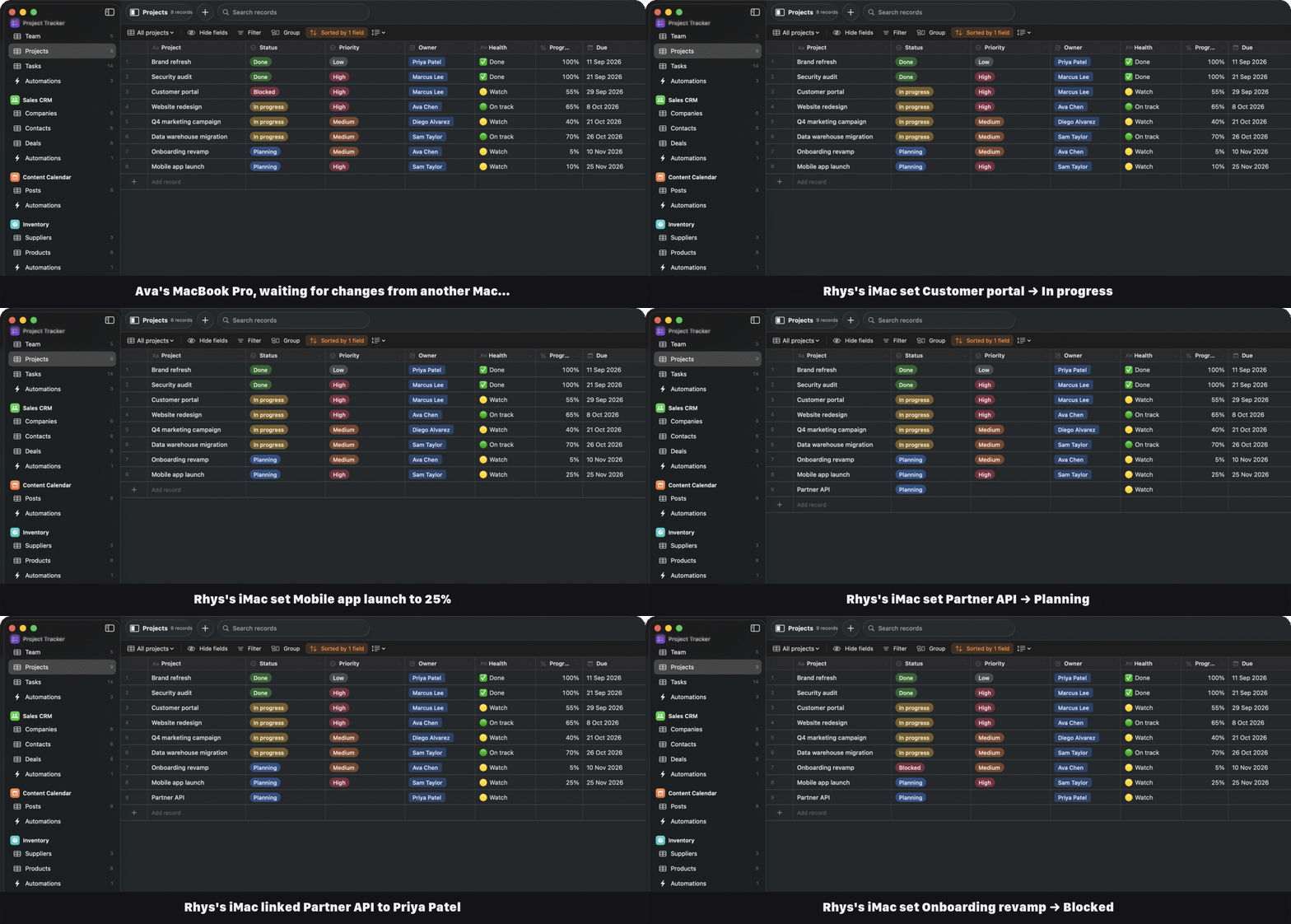
Bases are plain files in iCloud Drive. Edits from all your Macs merge field by field, even offline.
✳︎
AI fields
Write a prompt that refers to other fields and Claude fills in every record, with your own Anthropic API key.
@
Work together
Collaborator fields, comments with @mentions, record history, a trash, record templates, find duplicates and print to PDF.
◎
Built for AI assistants
A built-in MCP server lets Claude Code, Codex and Claude Desktop search, create and update your records.